how it all works
everything in acetate is built to be obvious. this page is for the two minutes when it isn't.
send a track
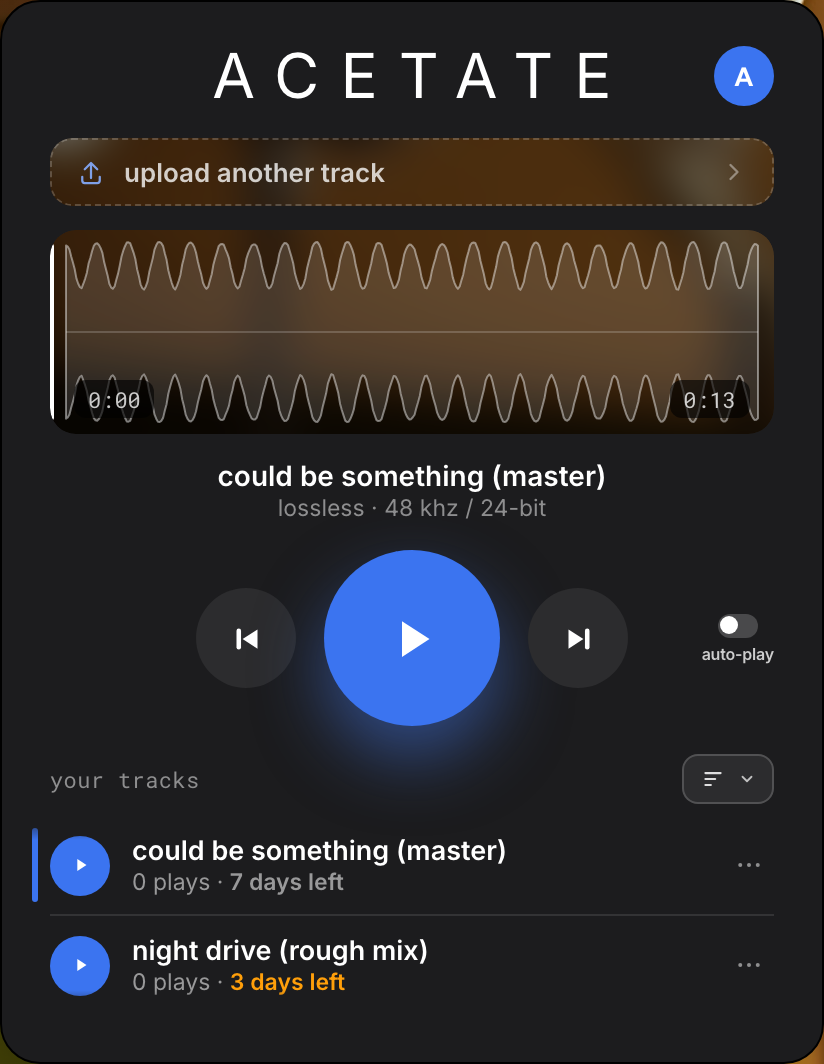
- drop your track on the homepage or in your studio. wav, aiff, flac or mp3, up to 500 mb.
- name it. the name pre-fills from your filename. what you type here is what they see.
- set how long it lives: 1, 3 or 7 days, or after a single play.
- add a pin if you want one. anyone opening the link gets asked for it.
- copy the link and send it anywhere. that's it.
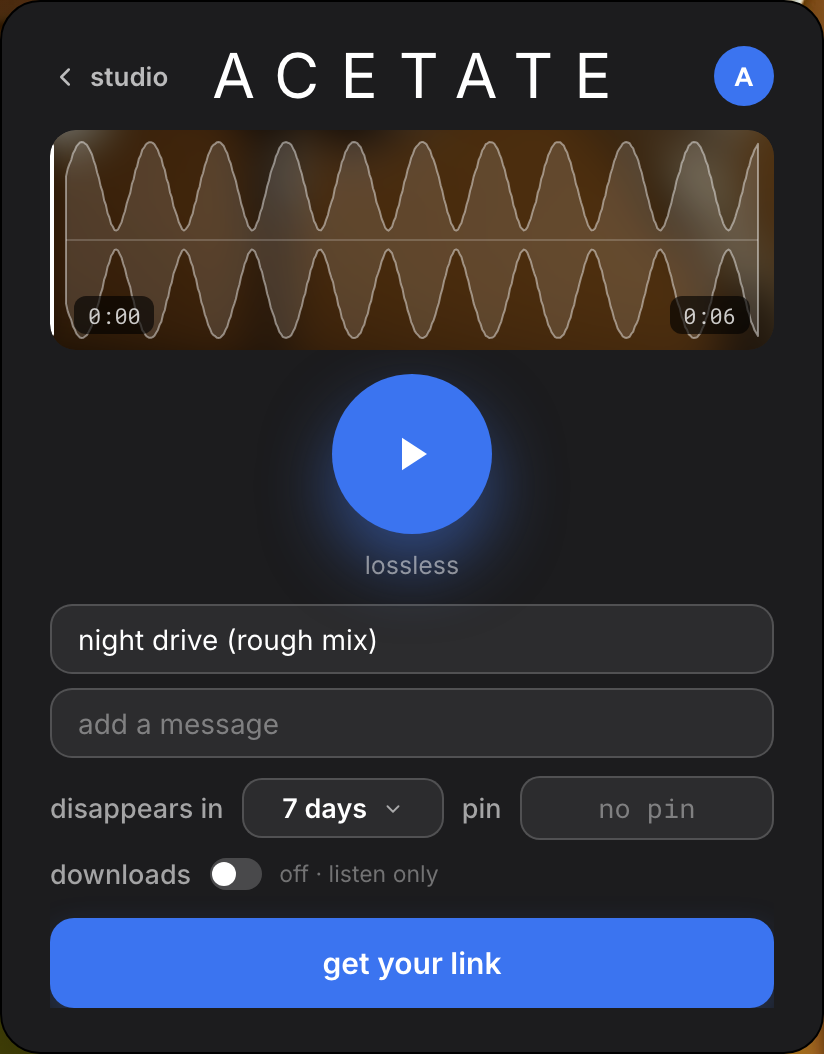
the file you upload is the file they hear. lossless, untouched.
send from inside your session
the sender sits on a track like any insert. it lives under effects in your plugin menu.
- upload a take without leaving the session. name it, get the link.
- open your studio from the plugin any time. it opens in your browser, where your links live.
go live
- click go live in the sender. name the stream, press enter.
- send the link. your listener hears exactly what you hear, in real time, lossless.
- stop any time. the stream ends when you do. nothing is stored.
live streams are encrypted end to end.
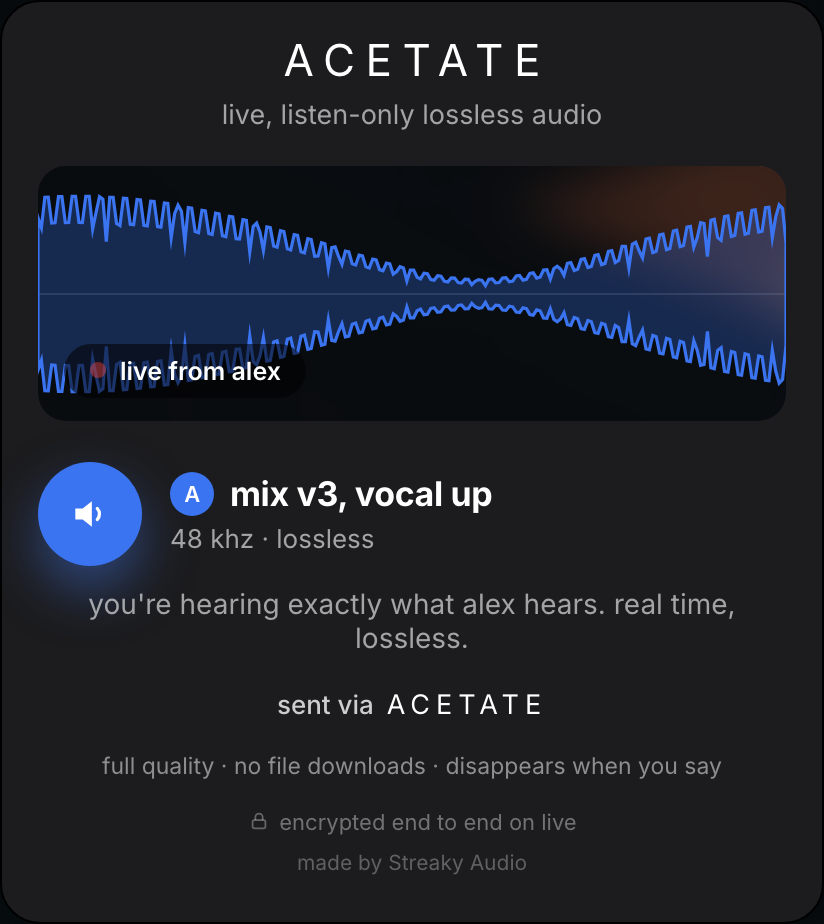
to listen to someone else's stream in your own session, use the receiver. it lives under instruments, because it brings audio in.
what your listener sees
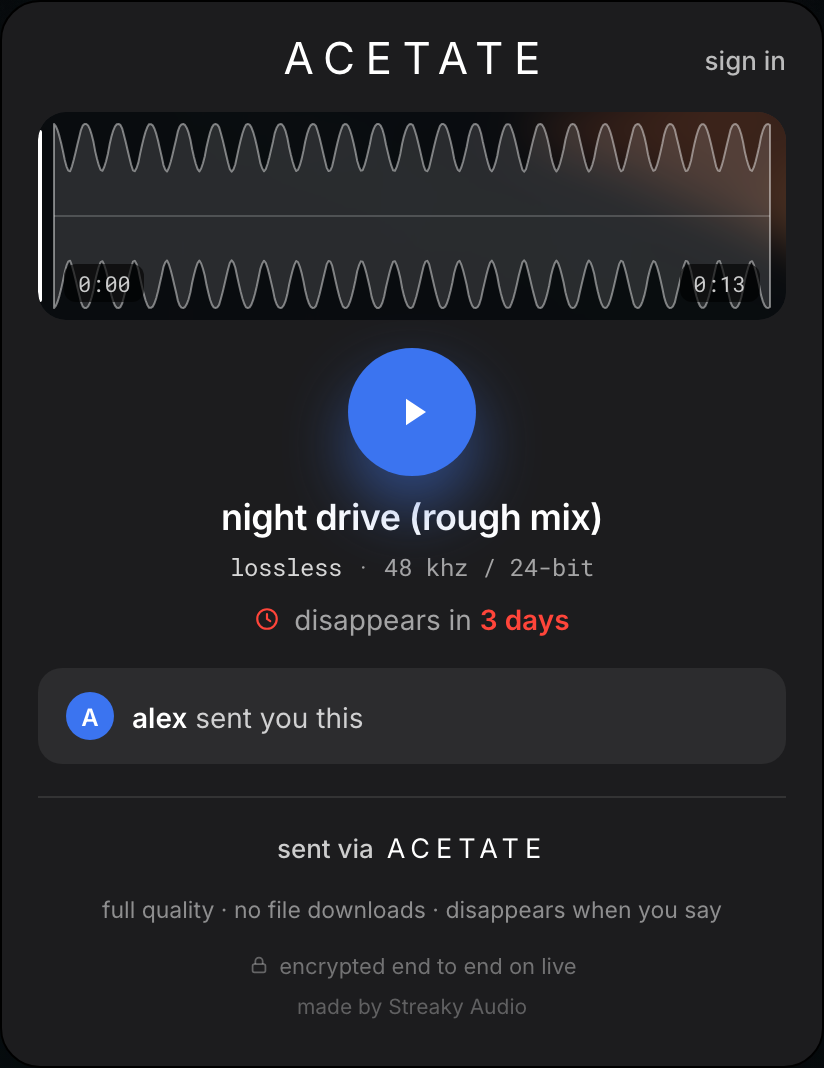
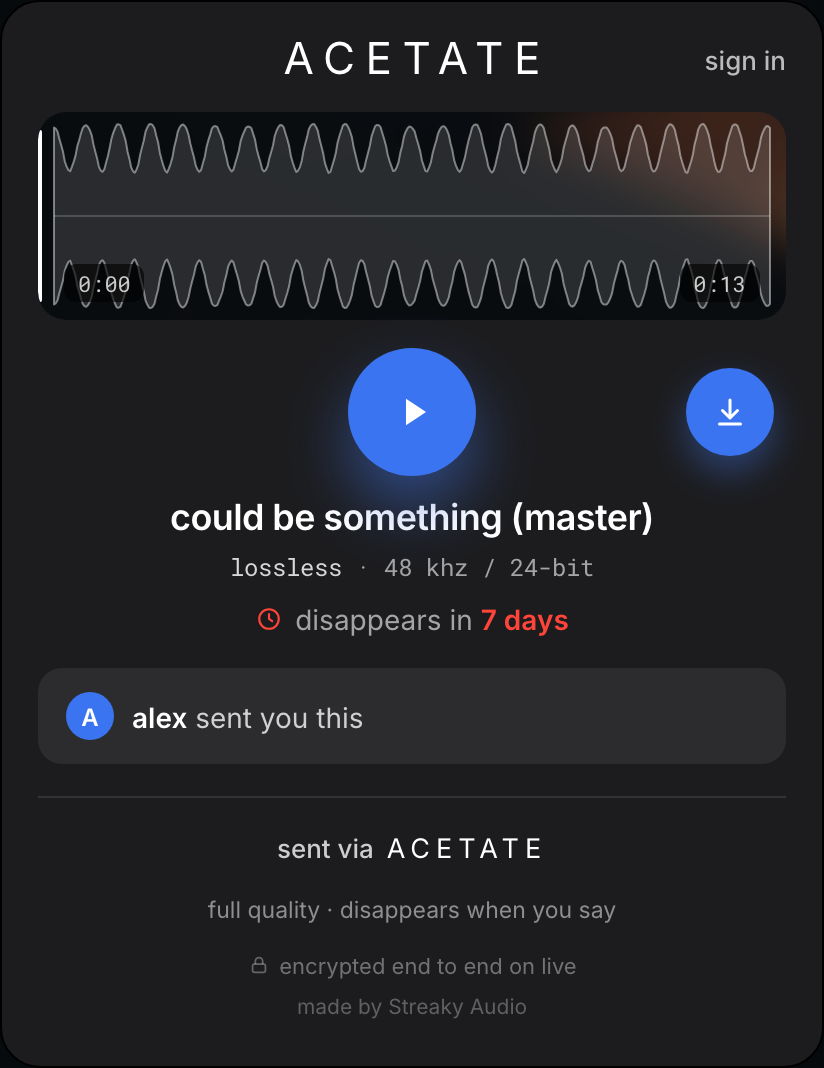
a link opens as a player in any browser. no app, no account, no login. they press play, the track streams at full quality.
every link starts as listen only, with no download button. turn downloads on when you want them to keep a copy. when the link expires, the player says so, honestly.
change or delete a link
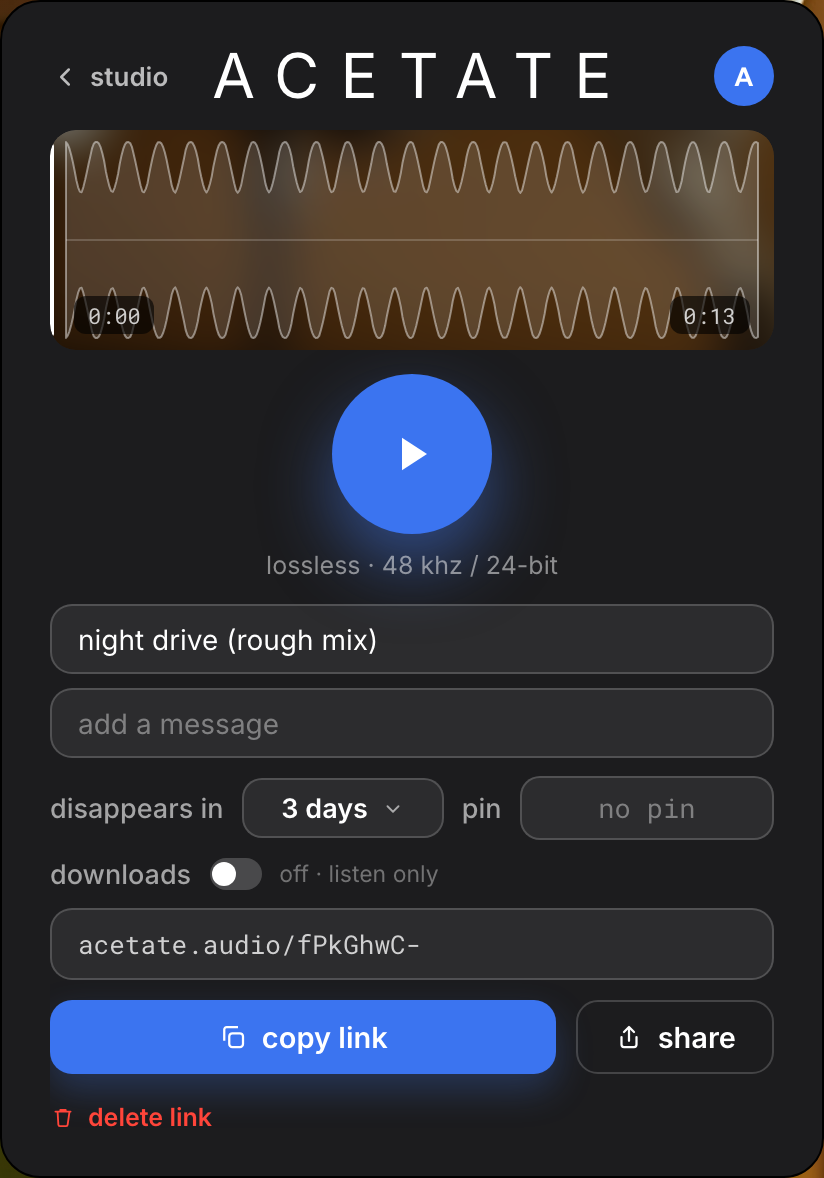
every link stays yours after you send it. open your studio, find the track, tap … to preview, edit or share.
- edit the name, the expiry, the pin or the download switch. changes apply to everyone already holding the link.
- delete the link and it dies everywhere, instantly. the track stays in your studio.
- delete the track and it's gone from your studio and your space.
release the file
every link starts listen-only. when the mix is approved and it's time to hand the file over, open the link's edit panel and switch downloads on.
their player grows a download button. the file comes down as a wav named after the track, identical to what you uploaded.
in your studio, a link with downloads on carries a blue stripe on its left edge, so you always know which links are released.
when links disappear
every link has a lifespan you set: 1, 3 or 7 days, or after a single play. when it's gone, it's gone. the link dies, the track stays yours.
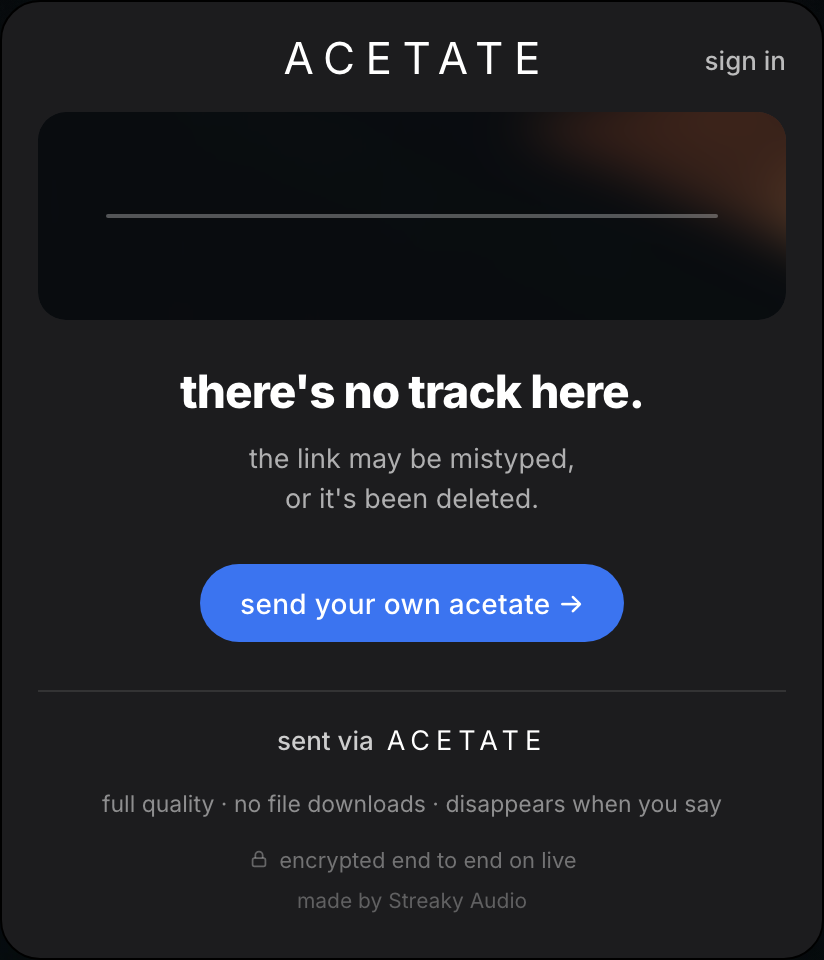
need longer? edit the link before it expires. need it gone now? delete it.
how much you can keep live
your studio holds up to 20 live links and 5 gb of audio. delete old links and tracks to make room. acetate is for music in motion, not an archive.
cool ways to use acetate
the two-phase delivery. send the link open, no pin, and let everyone preview. when the mix is approved, open the edit panel: switch downloads on and add a pin, then give the pin only to the people collecting the file. one link, two phases. the pin gates the whole link, so once it's on, preview time is over and only your people get in.
the one-listen send. something too hot to leave lying around? set expiry to after a single play. they hear it once, then the link is gone.
the live playback session. instead of bouncing and sending, go live from the sender and play the mix down the link while you're both on the phone. real time, lossless, nothing stored.
your account
sign in with google or your email. no password to invent. signing in is what lets you edit links after sending, set longer expiries and use pins.
sending needs an account, and it's free. drop your track first if you like: the homepage holds it while you sign in, then sends it. the people you send to never need an account at all.