ACETATE

acetate for mac and windows

the acetate app and the two plugins. one installer.

the acetate app

send a track without opening anything

the acetate app is always one click away. click it, drop a track, get a link. your session never loses focus.
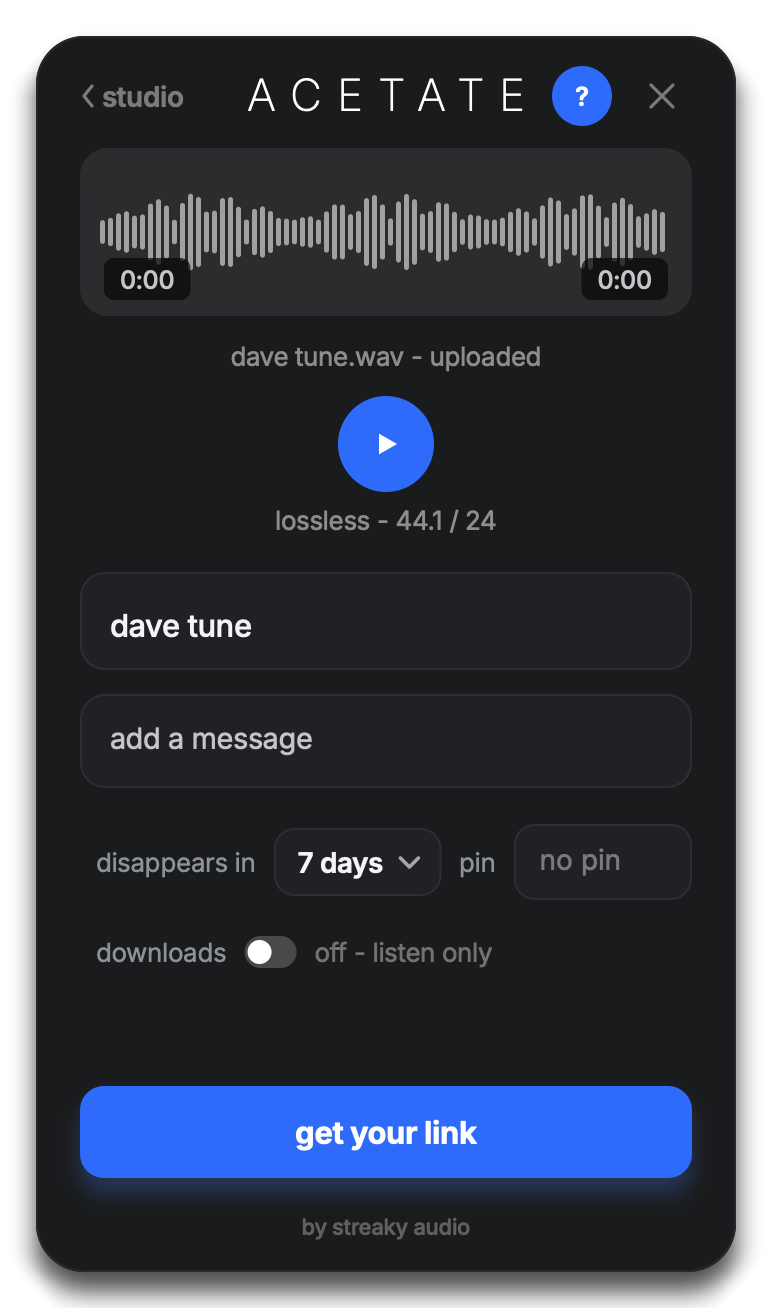
the acetate app with a track staged and its link ready
the bounce folder

the folder that sends itself

point it at a folder and bounce there like you always do. every bounce becomes a link on its own, and the finished files move out of the way. you never open acetate at all.
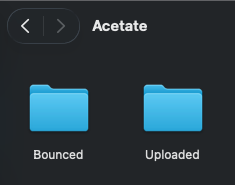
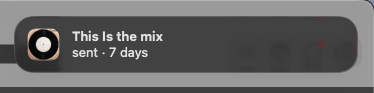
the acetate folder in the finder, holding bounced and uploaded
a macos notification reading: this is the mix, sent, 7 days
acetate sender au · vst3 · aax

let them hear the session, not a bounce of it

it sits on a track like any insert and streams what you are hearing, lossless, while you work. no export, no upload, no wait.
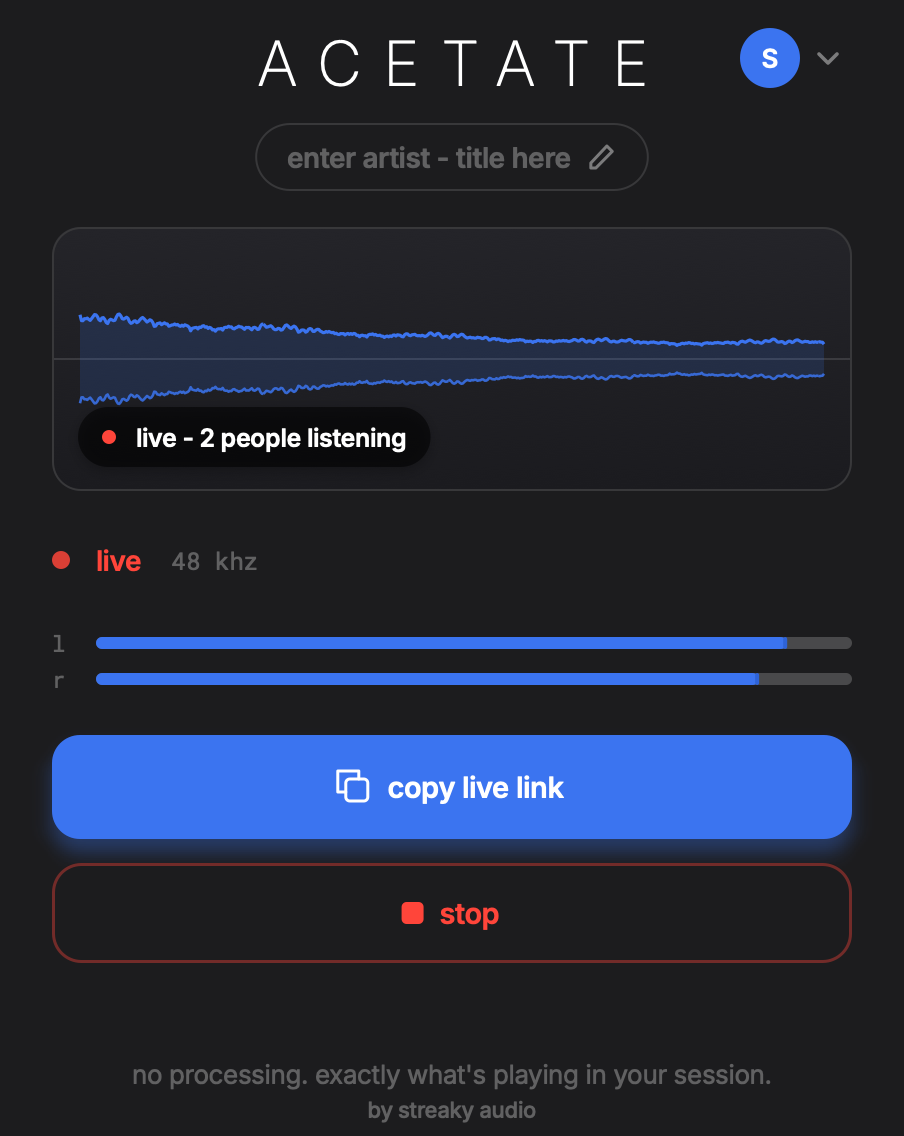
the acetate sender plugin, streaming, with its waveform live
acetate receiver au · vst3 · aax

or be the one listening

it pulls someone else's stream onto a track in your own session. their mix, your room, your monitoring.
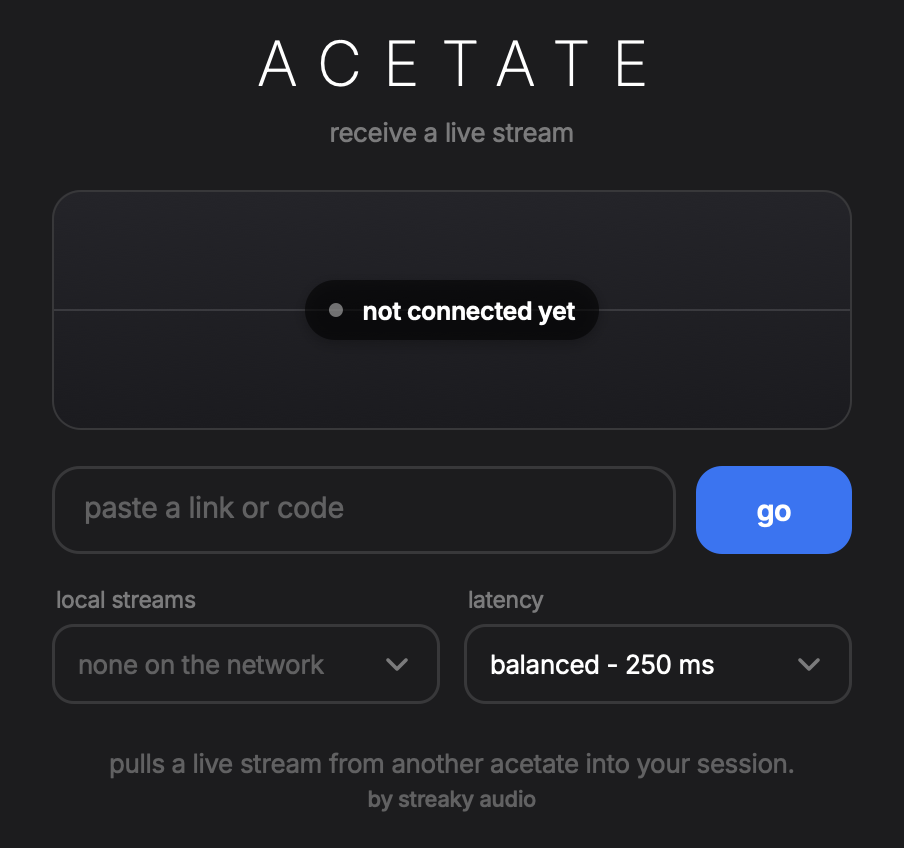
the acetate receiver plugin, waiting for a live stream to join
installing
mac
  1. open the pkg and follow it. it installs all three.
  2. the acetate app asks to send notifications the first time it runs. that is how it tells you a bounce has gone, and how it hands you the link.
  3. your daw finds the plugins next time it scans. they are under effects, as acetate sender and acetate receiver.
  4. pro tools reads the aax versions, installed alongside the others. nothing to activate and no licence to enter.
windows
  1. run the installer and follow it. it installs all three.
  2. the app sits in the notification area, by the clock. that is how it tells you a bounce has gone, and how it hands you the link.
  3. your daw finds the plugins next time it scans. they are under effects, as acetate sender and acetate receiver.
  4. windows may show a smartscreen notice the first time. the installer is signed, so more info names streaky ltd as the publisher.
how the desktop tools work · your studio